The screenshots I take on my phone are my second brain. They remember the conversations, funny memes, weeknight recipes, and any other useful or reassuring bit of knowledge I find in my ceaseless phone searches.
To be or not, I am what I screenshot, which is why I found the iOS 26 update that changed the process for screenshotting so frustrating.
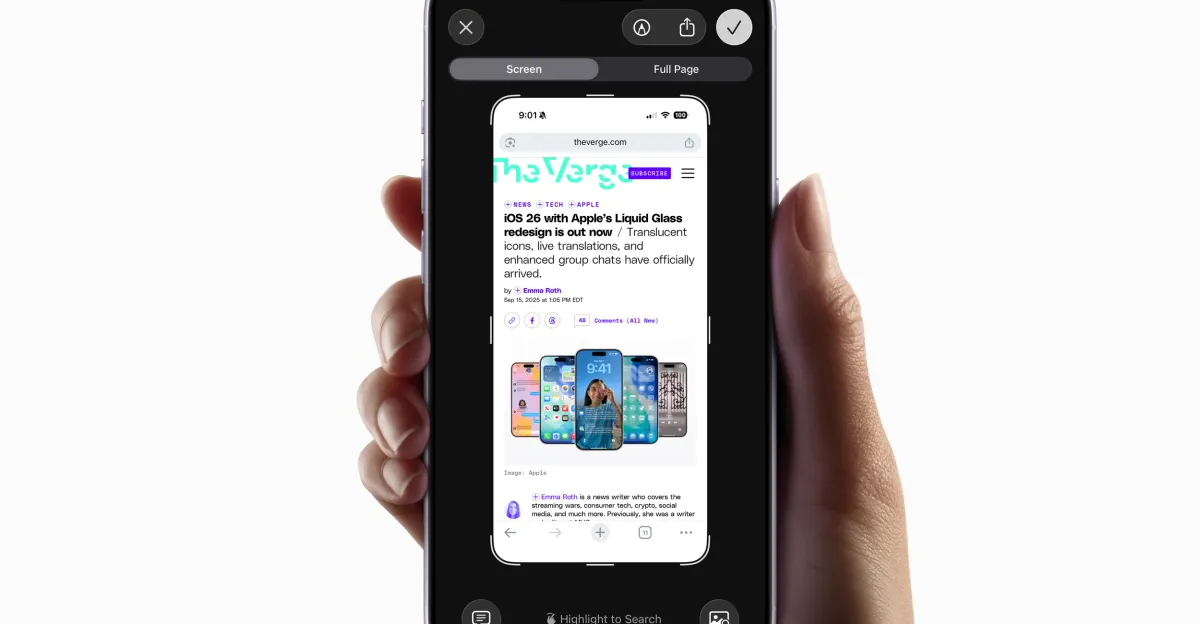
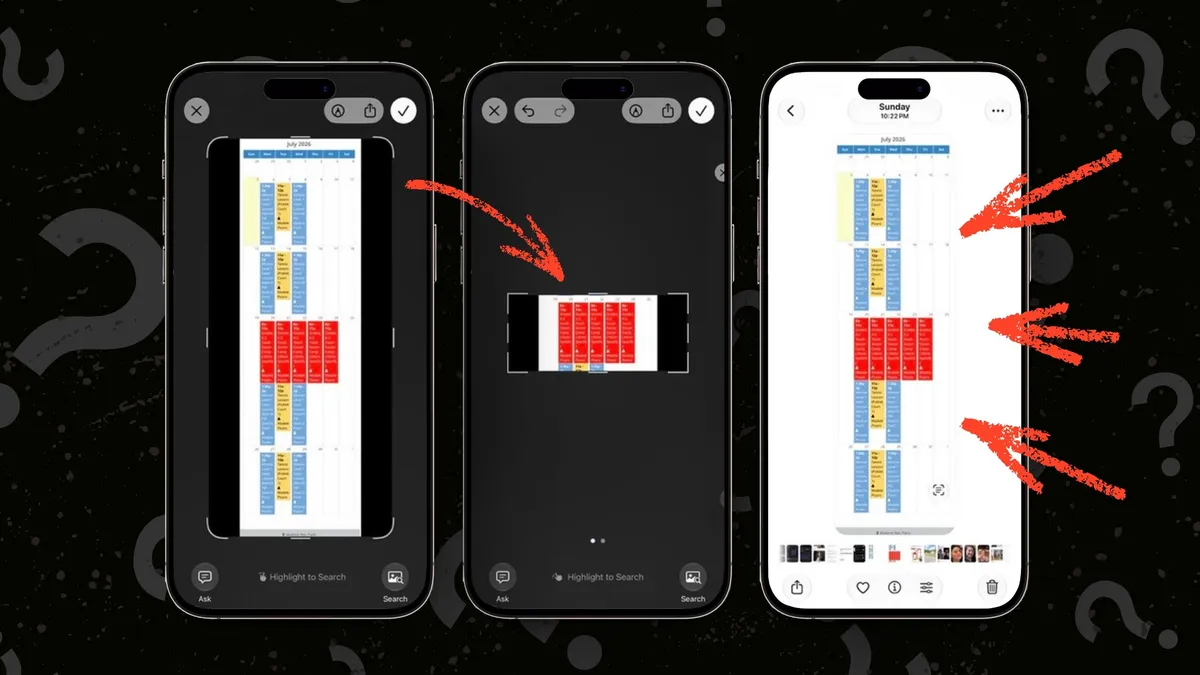
Under the iOS 26 software update for iPhones, saving screenshots takes annoyingly more steps. Before that update, you simply could press the “volume up” button and the side button simultaneously to log and save what you captured in a screenshot. Now, screenshots you take are not automatically saved to your camera roll. Instead, your screen will prompt you with more options, such as copying and deleting your screenshot, saving it to files or saving it to photos.
But for those of us who only take screenshots to save them to peruse later, these options are one extra step too many.
The good news is if you love instant screenshots like I do, you can revert back to the old screenshot function by switching up your settings.