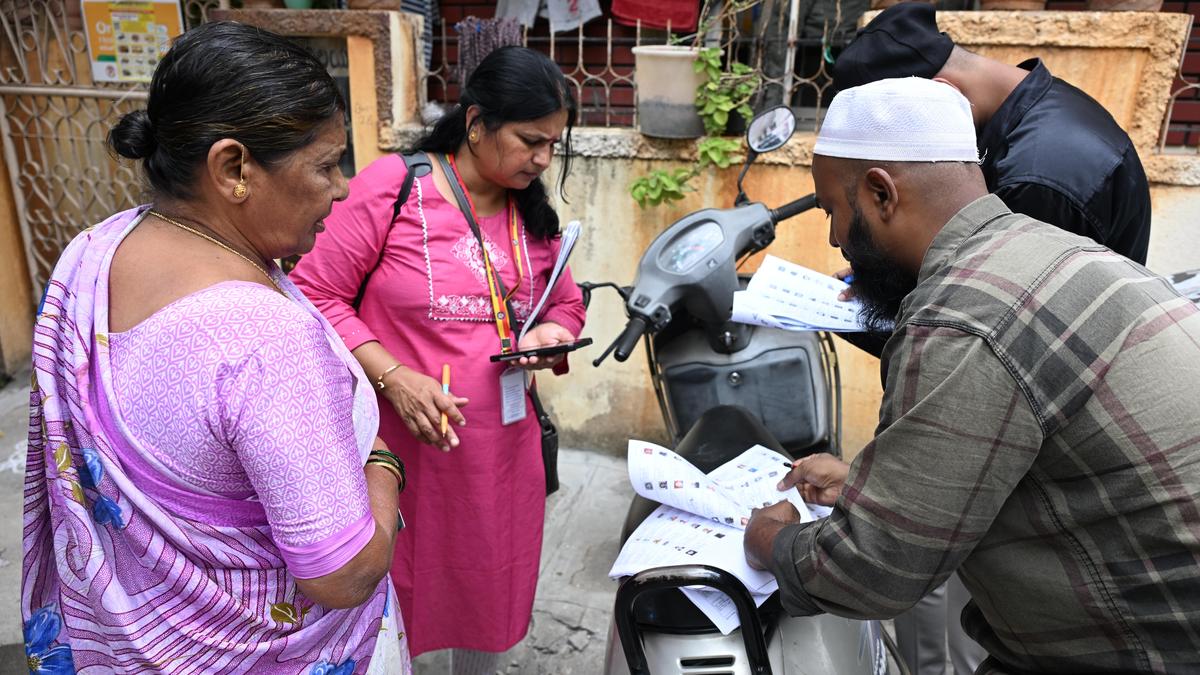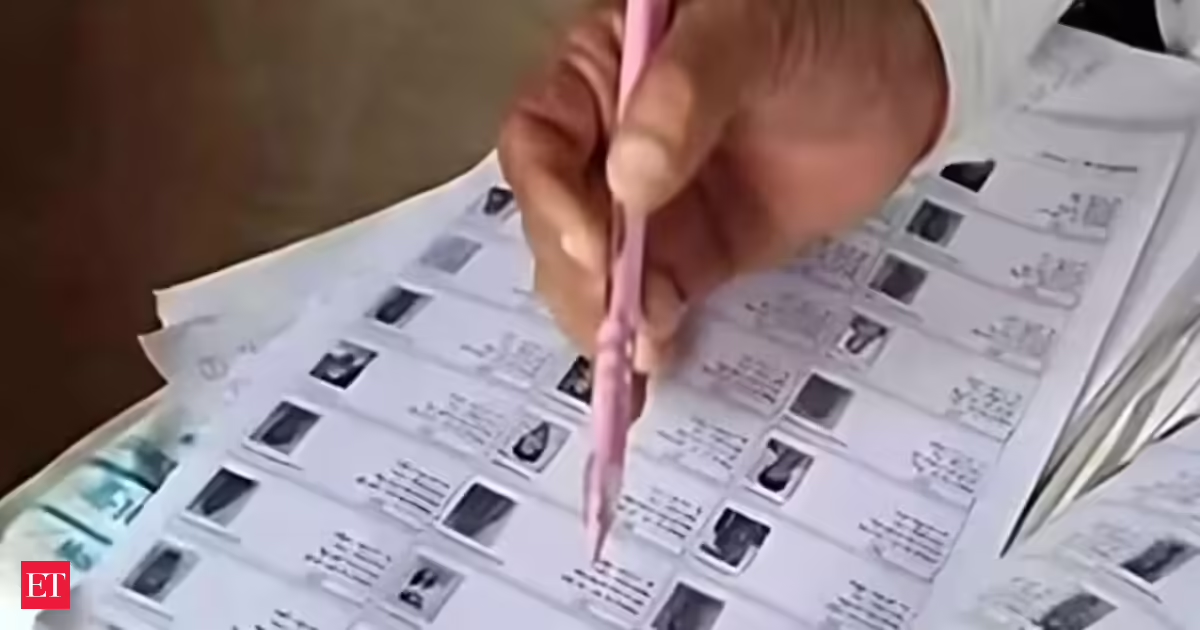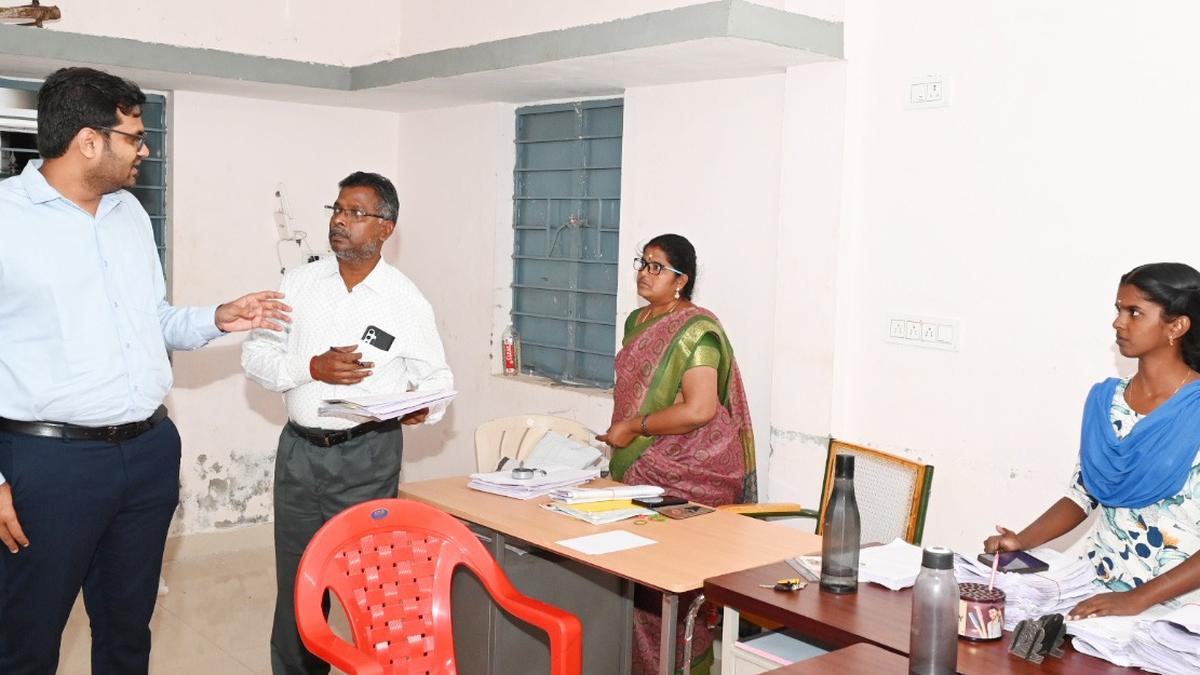
With the ongoing Special Intensive Revision (SIR) of electoral rolls, voters who have submitted their enumeration forms can now verify online whether their Booth Level Officer (BLO) has uploaded their details on the Election Commission of India (ECI) portal. The ECI has enabled a simple four-step process on its Voters’ Service Portal to help electors confirm the status of their submission.
Also Read: ‘Where is home? What is my identity?’ asks transgender community in West Bengal amid fear over SIR
As part of SIR 2026, electors across States have been submitting their enumeration forms through BLOs or online. To reduce delays and ensure transparency in roll preparation, the Commission has introduced an online verification feature, allowing voters to check whether their forms have been digitised.
How to check the upload status?
Step 1: Visit voters.eci.gov.in and click ‘Fill Enumeration Form.’